What leaves your browser when you use Todoki’s Private Vault?
A look at what gets encrypted before upload, what stays on your device, and what you can choose to share with AI.
Imagine preparing for a customer call with a private rollout plan. You may want to look up the launch criteria during the meeting while keeping the rest of the plan out of an AI request. Private Vault separates storing your context, searching it, and sharing passages with a model.[1]
Your browser encrypts the import
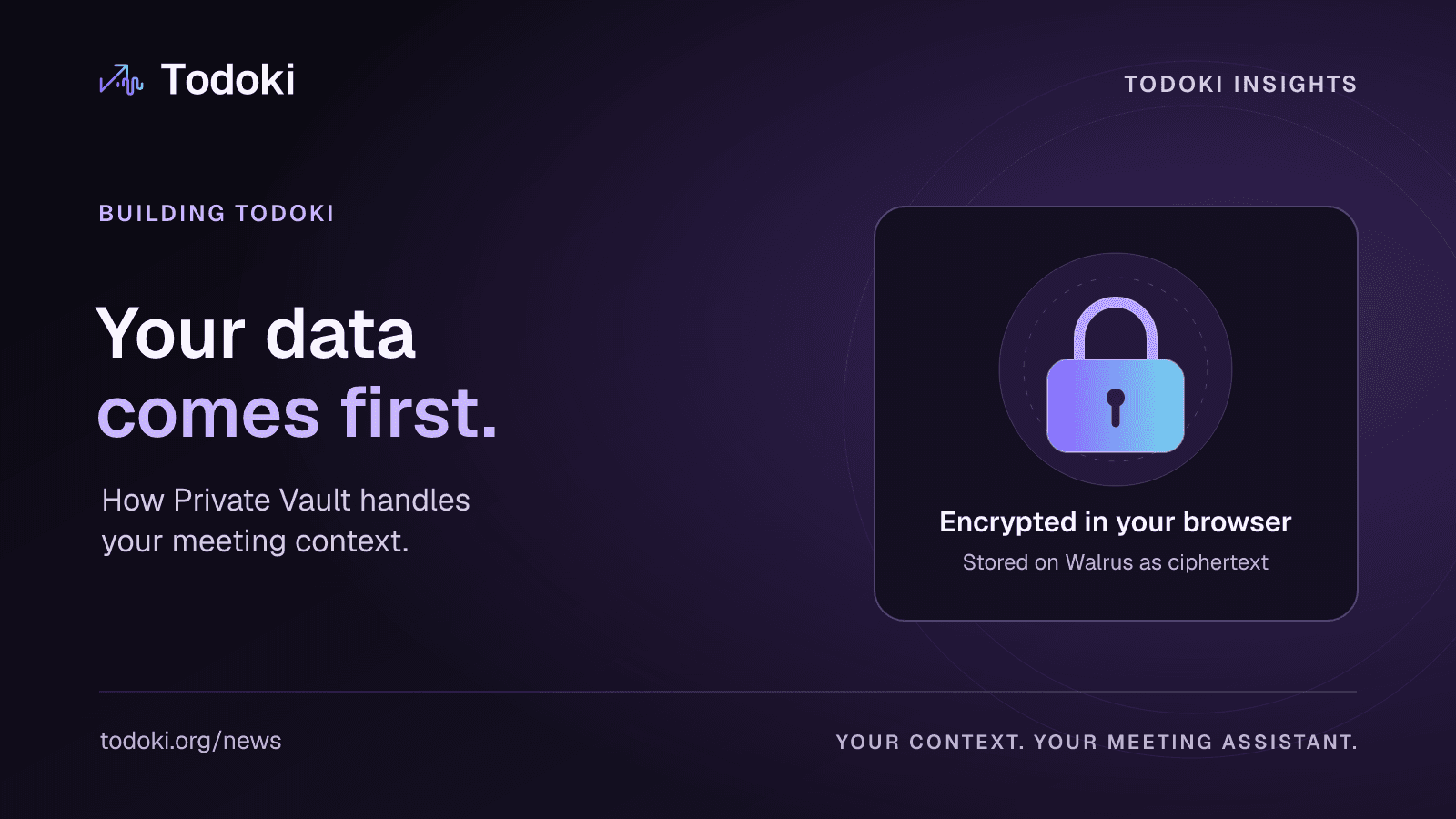
For a new Private Vault import, your browser derives an encryption key from the passphrase you choose. It uses that key to encrypt the vault title, filenames and imported source text before upload. Todoki and the Walrus storage path handle that encrypted payload. The passphrase and derived key stay in the browser.[1]
When you unlock the vault, your browser decrypts it and searches the source text locally. Keep the encrypted backup separately from your passphrase. Recovery depends on having the passphrase and access to the encrypted data. Size, timing and account information can still be visible to the services involved.[1]
You review what an AI request includes
You can read the original passages directly after a local search. If you want a generated answer, review the passages you intend to share and approve that request. Todoki and the model services receive the question and the selected readable text, along with any meeting dialogue you choose to include in Live Copilot. Each request requires its own approval.[1]
Saving meeting outcomes is a separate choice
Where the optional Walrus meeting memory feature is configured, the meeting owner can preview and approve a snapshot with the summary, reviewed actions and approved decisions. The hosted relayer processes readable snapshot text for embedding and encryption. The full transcript stays outside that snapshot.[2][3]
Before your next call, try searching one project fact locally. If you want an AI draft, open the preview and check that each selected passage belongs in that request. This gives you a concrete point to decide what you’re comfortable sharing.[1]
Sources
- Private Vault: your context, your unlock keyTodoki GuideAccessed
- Save and recall meeting outcomes with WalrusTodoki GuideAccessed
- Relayer OverviewWalrus DocsAccessed